Getting Started
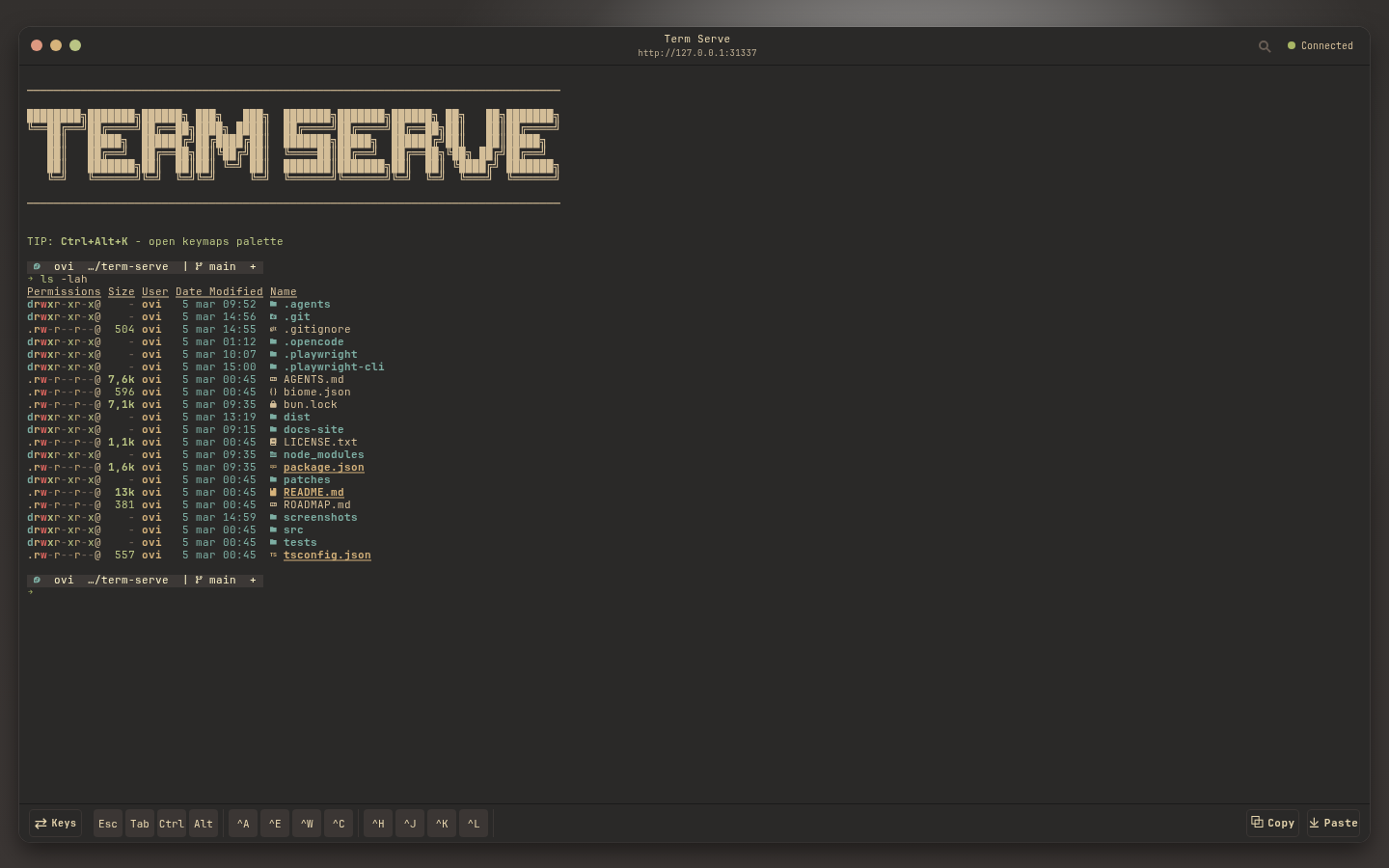
term-serve exposes a real local terminal session in your browser. By default it stays local-only and opens a shell.
Launch in shell mode
Section titled “Launch in shell mode”# Run from this repositorybun run src/bin/term-serve.ts
# If installed as a binaryterm-serveThen open http://127.0.0.1:31337/.
Run a command instead of a login shell
Section titled “Run a command instead of a login shell”Everything after the command name is passed through unchanged to the PTY process:
term-serve htop -d 10term-serve btopterm-serve opencodeUse -- when you need to separate term-serve options from command arguments:
term-serve --port 4141 -- rg --hidden TODO srcStart in a specific directory
Section titled “Start in a specific directory”term-serve --cwd ~/projectsShare on LAN (with token auth)
Section titled “Share on LAN (with token auth)”term-serve --publicWhen binding non-locally, term-serve requires an auth token for WebSocket terminal access:
- Provide one explicitly with
--auth-token <secret>. - Or let term-serve generate one at startup and print it once.
Next steps
Section titled “Next steps”- Use Usage Patterns for daily shell workflows on desktop/mobile.
- Use Configuration File for repeatable team or project setups.
- Read Security and Networking before exposing the service beyond localhost.