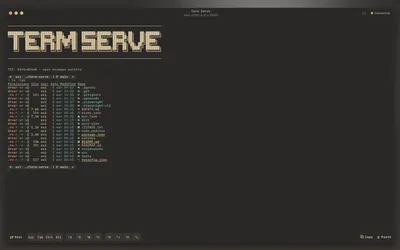
Real shell sessions
Starts an interactive PTY (bash, zsh, fish, etc.) and streams it over WebSocket.
Real shell sessions
Starts an interactive PTY (bash, zsh, fish, etc.) and streams it over WebSocket.
Secure by default
Binds to 127.0.0.1 by default and auto-enables token auth when exposed beyond localhost.
Command mode
Serve one command on connect (htop, btop, opencode, custom scripts) instead of a login shell.
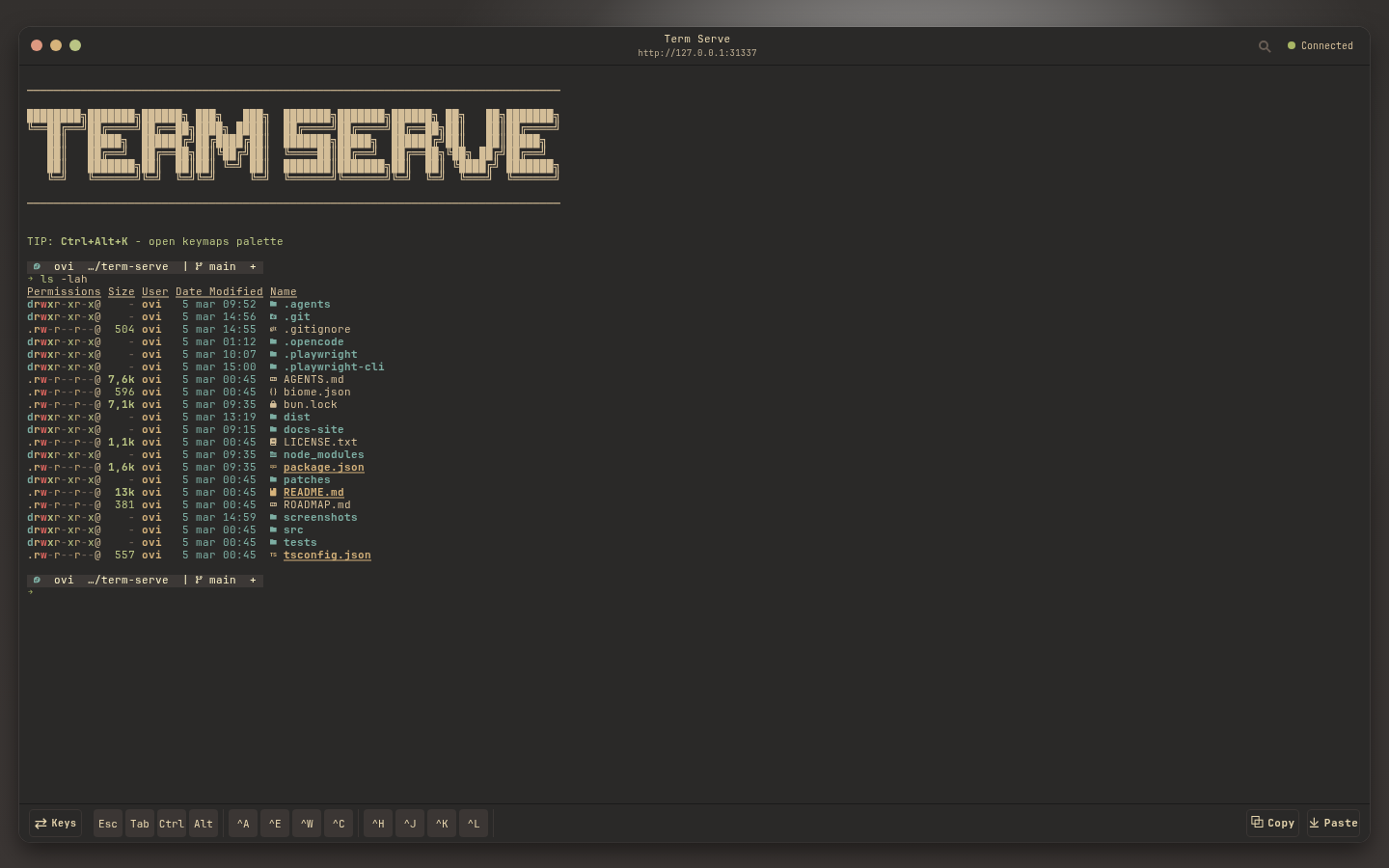
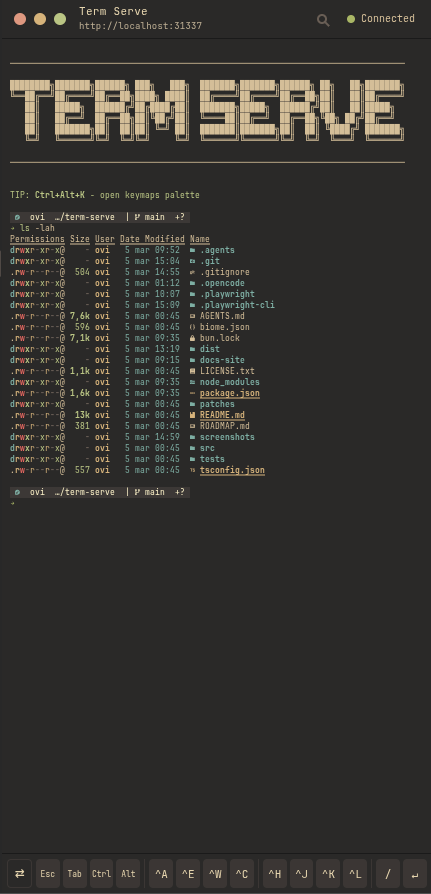
Mobile-capable UI
Includes touch toolbar keys, sticky Ctrl/Alt, and copy mode tuned for scrollback.
Themes and fonts
Ships with many terminal themes and configurable font + desktop/mobile font size controls.
Proxy friendly
Works behind Caddy, nginx, ngrok, and other reverse proxies via forwarded headers.
term-serve outside localhost.